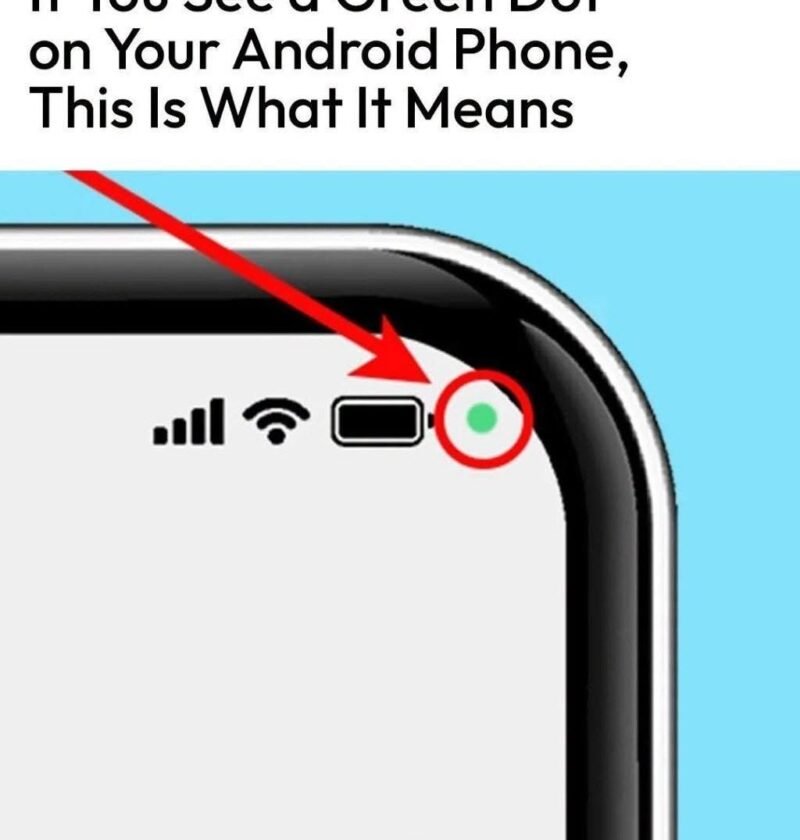
The green dot in the upper right corner of your Android screen is a privacy indicator feature built into Android (introduced in Android 12).
Here is what it means and why you see it:
-
What it indicates: An app on your phone is currently using your device’s microphone or camera.
-
Why it matters: It serves as a real-time alert so you always know when your privacy-sensitive hardware is active.
How to Check Which App Is Using It
If you want to know exactly which app triggered the indicator:
-
Swipe down from the top right corner of your screen to open your Quick Settings panel.
-
Tap on the green privacy pill/icon at the very top.
-
A small pop-up will display the name of the app currently accessing your camera or microphone.
Verification: Once you close the app using the camera or microphone, the green dot will disappear within a few seconds.